

You love the look of shadcn. You love the "copy-paste" architecture that gives you ownership of your code. But you're stuck in an Angular repo, looking at React developers having all the fun.
The short answer? Yes, you can use shadcn with Angular, but not natively.
Since shadcn is built on Radix UI (which is React-specific), you cannot simply npm install shadcn-ui into an Angular project. However, the Angular community has built robust ports that replicate the exact same architecture, styling, and developer experience.
TL;DR
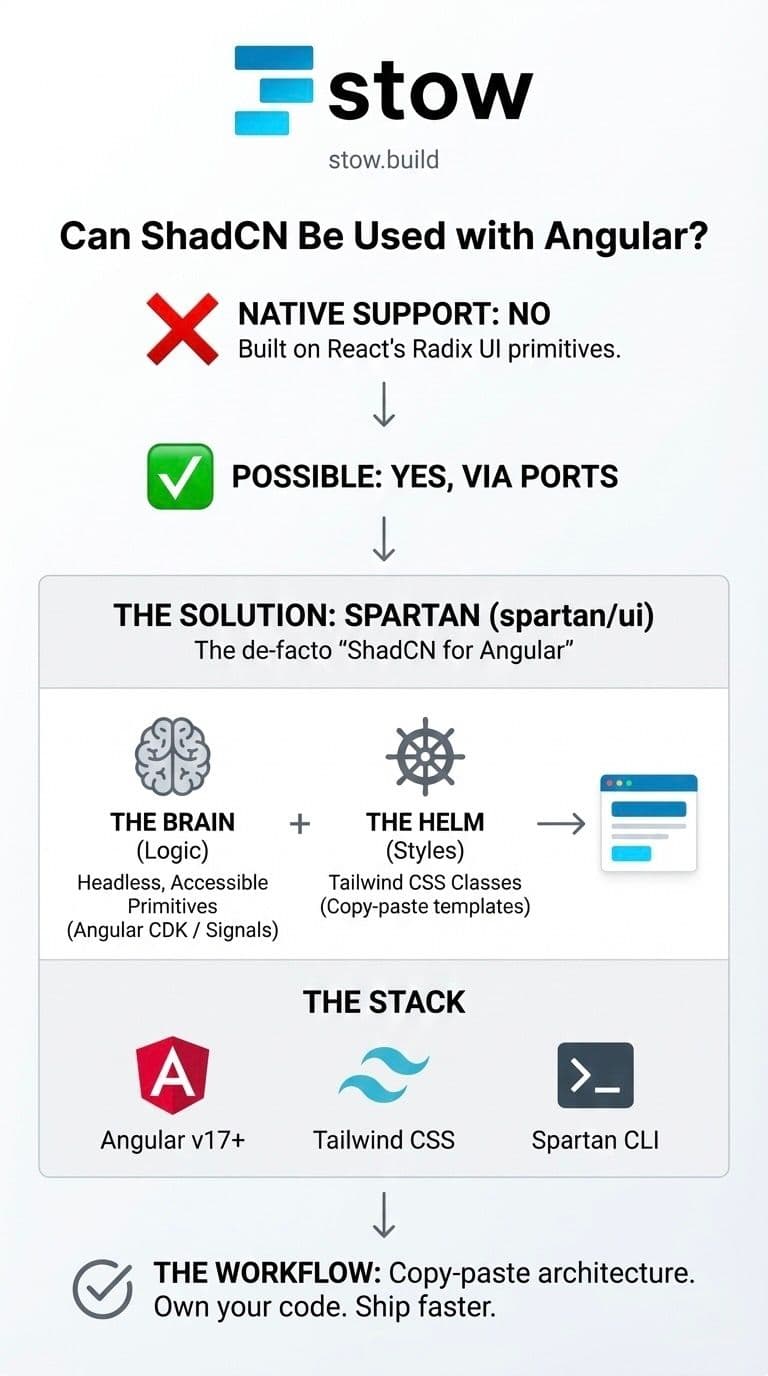
- Native Compatibility: No. The official shadcn library relies on React hooks and Radix UI primitives.
- The Solution: Use Spartan (spartan/ui). It is the de-facto "Shadcn for Angular."
- The Stack: You need Angular v17+, TailwindCSS, and the Spartan CLI.
- The Vibe: It works exactly like ShadCN—headless logic (Brain) + Tailwind styles (Helm) that you copy directly into your codebase.
The Challenge: Why It’s Not Plug-and-Play
To understand why you can't just drop ShadCN into app.component.ts, you have to look at how ShadCN is built. It isn't a CSS library like Bootstrap; it's a collection of headless components (Radix UI) styled with Tailwind CSS.
- React Dependency: Radix UI uses React Context and Hooks for accessibility and state management.
- Angular Difference: Angular handles state, DOM manipulation, and accessibility (ARIA) differently, often using signals or the CDK (Component Dev Kit).
If you want the "Shadcn look" in Angular, you need a library that swaps out the React primitives (Radix) for Angular primitives (CDK or Signals) while keeping the same Tailwind class names.
The Solution: Meet Spartan (spartan/ui)
Spartan is the most mature project bringing the Shadcn ecosystem to Angular. It splits its architecture into two parts to mirror the Shadcn philosophy:
- The Brain (Logic): These are the unstyled, accessible primitives. They handle the functionality (open/close dialogs, toggle states, aria-labels). In the Angular world, these are often built on top of
@angular/cdkor native signals. - The Helm (Styles): These are the actual HTML templates with Tailwind classes. This is what gives you that clean, Vercel-like aesthetic.
When you install a component via Spartan, you are copying the Helm code into your project, giving you full control to customize it.
How to Set Up ShadCN in Angular (via Spartan)
Ready to ship? Here is the modern workflow for adding Shadcn-style components to an Angular application.
1. Initialize Your Stack
You need an Angular project with Tailwind CSS configured. The easiest way to start fresh is using the Analog meta-framework (the Next.js of Angular), but a standard CLI project works too.
ng new my-app --style=css
npm install -D tailwindcss postcss autoprefixer
npx tailwindcss init
2. Install the Spartan CLI
Just like the Shadcn CLI, Spartan provides a tool to add components to your app automatically.
npm install -D @spartan-ng/cli3. Initialize the Theme
Run the init command to set up your tailwind.config.js and global CSS variables (foreground, background, primary, etc.).
npx spartan init- Choose your style: Default or New York.
- Choose your base color: Slate, Gray, Zinc, Neutral, or Stone.
4. Add Components
Stop building buttons from scratch. Add them to your library.
npx spartan add button
npx spartan add dialog
npx spartan add sheet
This will create a ui folder in your project containing the component code. It is now yours to own, modify, and break.
Pros and Cons of "Shadcn-Angular"
Before you commit your entire design system to this path, weigh the trade-offs.
The Good (Pros)
- Total Ownership: No
node_moduleslock-in. You own the component code. - Consistency: Matches the design of your React projects/teams perfectly.
- Accessibility: Spartan leverages
@angular/cdkand Aria patterns, ensuring your app isn't just a prettydivsoup.
The Bad (Cons)
- Community Maintained: Spartan is an awesome community project, but it is not maintained by the official Shadcn team or Vercel.
- Lagging Updates: When Shadcn releases a new component (like the recent Charts update), it may take time for the Angular port to catch up.
Summary
You don't have to switch frameworks to get the best UI architecture in the game. By using Spartan, you can bring the Shadcn "copy-paste" workflow to Angular, leveraging the power of Tailwind and the stability of the Angular CDK.
Don't reinvent the wheel.
- Need a component? Search Stow.
- Building a one-off? Use Spartan.
- Want to get paid? If you build a custom Shadcn-Angular theme, list it on Stow and earn royalties every time someone uses it.
Ready to build faster?
Stop wrestling with generic templates. Browse verified UI components on Stow and start shipping production-ready code today.